
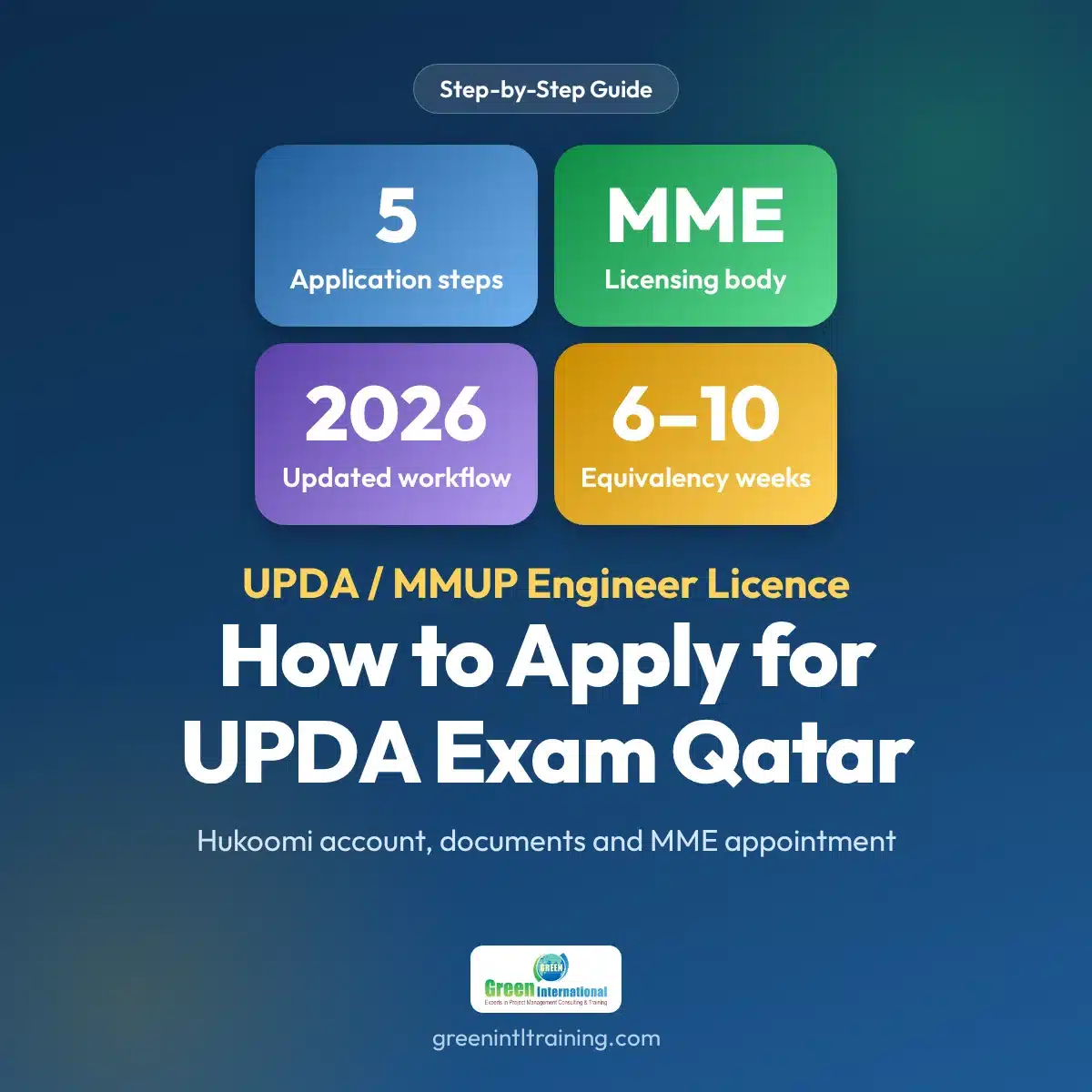
A complete guide on how to apply for UPDA exam Qatar through the UPDA/MMUP (MME) registration process — from Hukoomi account creation to document submission and exam scheduling.
What is the UPDA / MMUP (MME) Exam?
The UPDA/MMUP exam administered by the Ministry of Municipality (MME) is the mandatory professional engineering licence exam for all engineers working in Qatar. Passing it grants an official MME Engineering Licence required to practise engineering professionally in the country.
This guide covers the complete application process, reflecting all 2026 updates to the MME registration workflow.
In short, this is how to apply for UPDA exam Qatar: create a Hukoomi account, prepare attested documents, choose your registration track, submit your application and attend the MME appointment, then prepare for the exam.
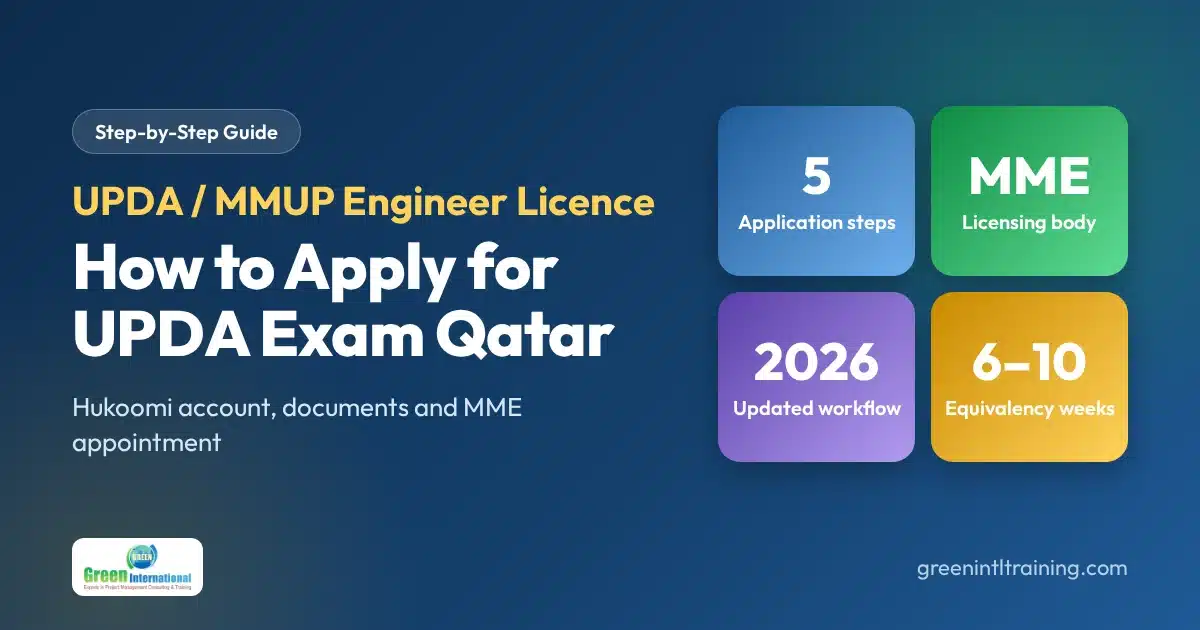
Who Can Apply?
How to Apply for UPDA Exam Qatar: 5 Steps
Visit www.gov.qa to create your Hukoomi e-government account using your Qatar ID and mobile number. Verify via SMS or post office PIN, then access Ministry of Municipality (MME) engineer registration services.
- Use your Qatar ID number and registered mobile number
- Complete SMS or post-office PIN verification
- Access MME engineering registration from the service portal
All documents must be properly attested before submission. Prepare scanned copies in PDF or JPEG format with correct file naming.
- Bachelor’s Degree Certificate — attested by home country + Qatar Embassy
- All Semester Mark Sheets — attested
- Qatar Police Clearance Certificate (PCC)
- Passport Copy (valid)
- Qatar ID Copy
- Passport-Size Photograph (white background)
- Updated CV
- Experience Certificates (if applicable, from employers)
Important: All degree certificates must be attested by the issuing country’s authorities, then by the Qatar Embassy in that country, then by the Ministry of Foreign Affairs in Qatar.
If your university is on the MME approved list, apply directly through Hukoomi for faster processing.
If your university is not listed, apply for academic equivalency through the Ministry of Education (MOE) first — takes 6–10 weeks.
Log into Hukoomi and upload documents in the correct sequence. Print and sign the application form, affix your passport photo, and attend your MME office appointment.
- Upload Personal Documents — Qatar ID, passport, photograph
- Upload Education Documents — degree, mark sheets (attested)
- Upload Experience Documents — employer certificates and CV
- Upload Supporting Files — PCC and any additional documents
- Print & Sign Application Form — sign and affix photograph
- Attend MME Office Appointment — bring all originals
After MME verification, your exam date is issued. Begin structured exam preparation immediately — covering all engineering fundamentals, mock tests, and exam techniques.
Green International offers expert UPDA coaching in Doha with real mock tests, study materials, and one-on-one support.
How to Apply for UPDA Exam Qatar: Quick Checklist
-
Hukoomi account created with your Qatar ID and mobile number, and verified.
-
Documents attested by the issuing country, the Qatar Embassy and the Ministry of Foreign Affairs in Qatar.
-
Registration track chosen: fast track for a listed university, or equivalency first for an unlisted one.
-
Application uploaded and signed, with your photograph affixed and the MME appointment attended.
-
Exam preparation started as soon as MME verification is complete.
More UPDA Resources
To confirm how to apply for UPDA exam Qatar with the official source, see the Ministry of Municipality engineer registration conditions and forms and the Hukoomi portal. You can also read the UPDA exam training centre application guide and the UPDA Qatar registration exam training page on Green International’s other websites, practise with the UPDA mock tests and view the training schedule.
How to Apply for UPDA Exam Qatar: Frequently Asked Questions
Need Help with Your UPDA Application?
Start Your UPDA Exam Preparation Today
Expert-led training in Doha with mock exams, study materials, and full application support.